Look
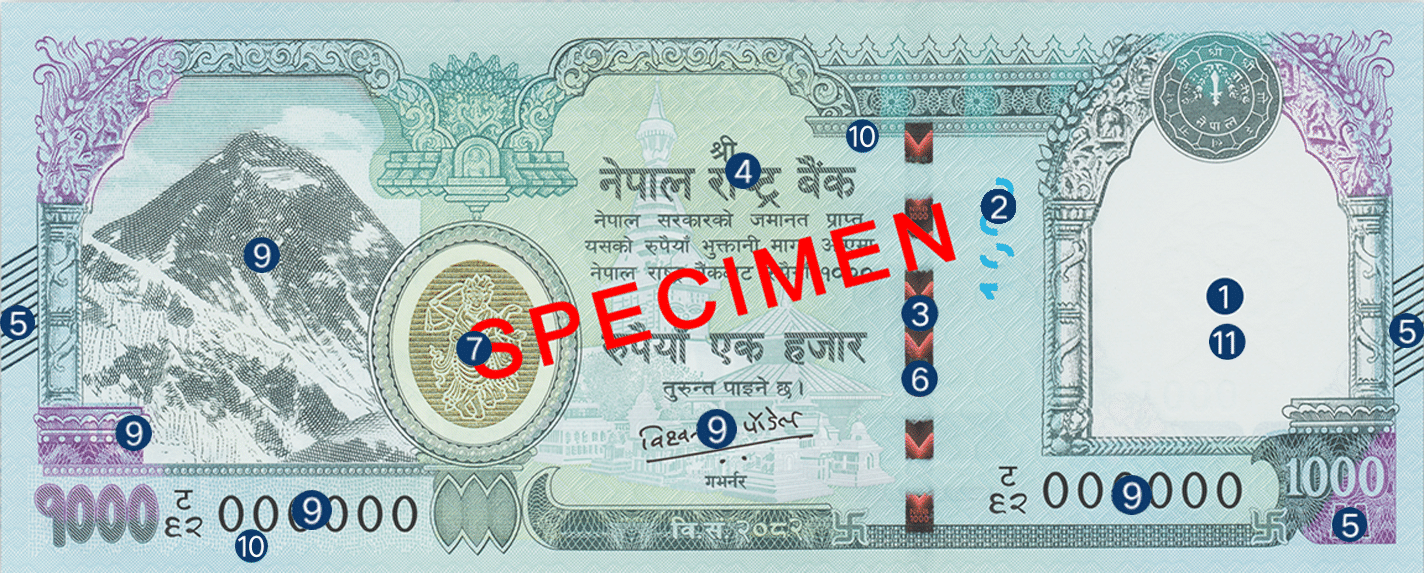
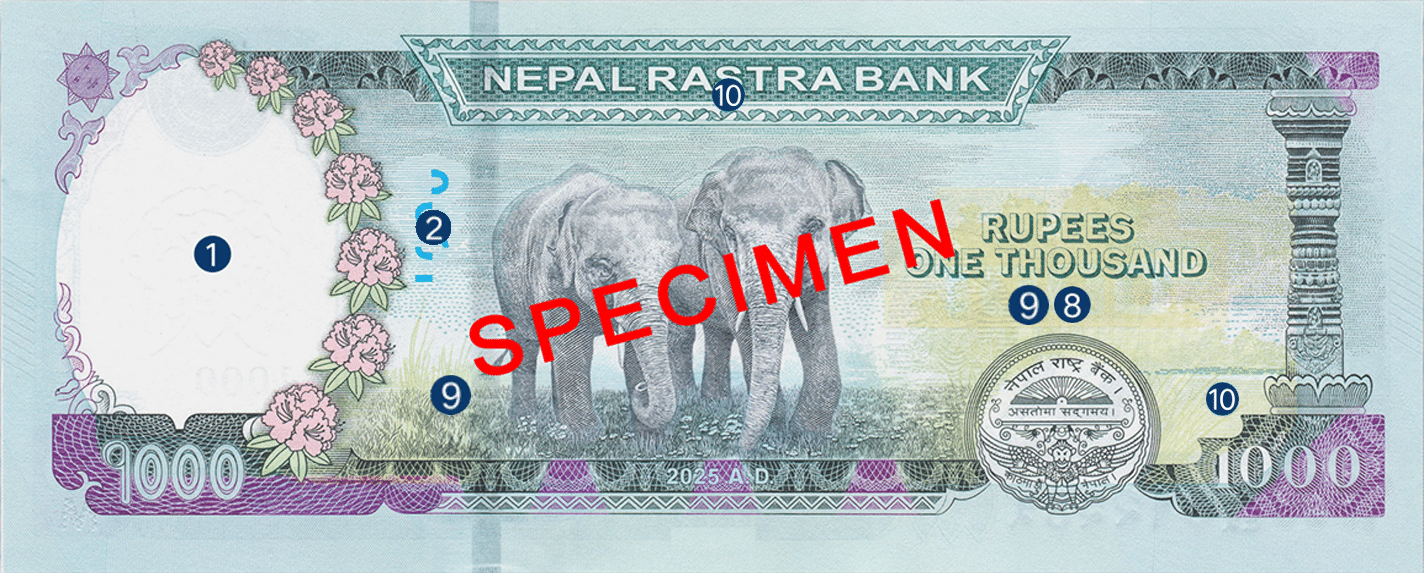
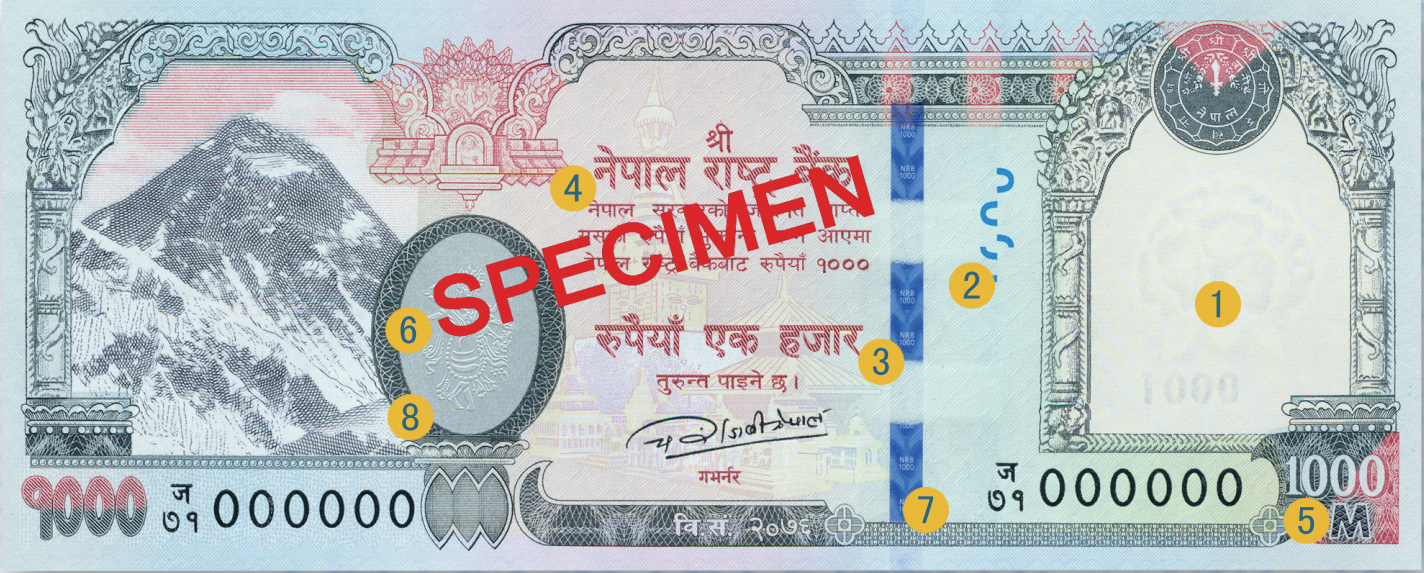
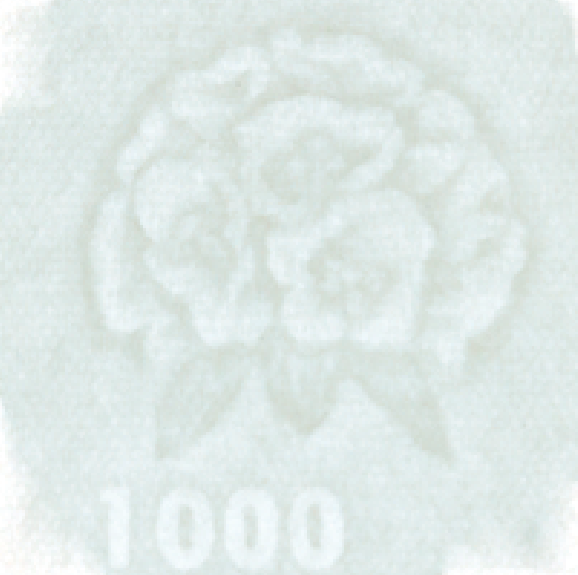
1 Watermark
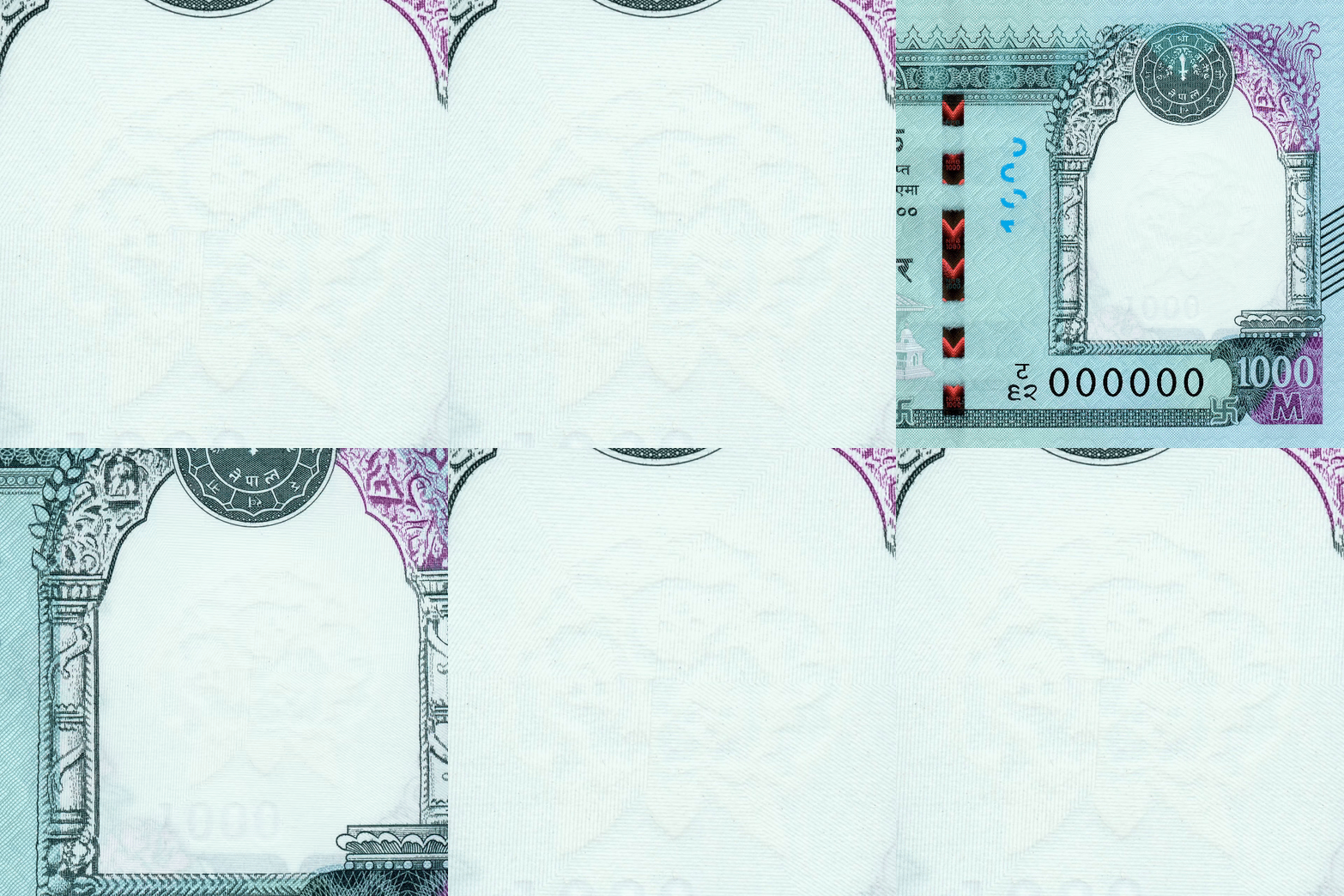
Hold the banknote up to the light, and you can see the watermark of Rhododendron and "1000" electrotype watermark.
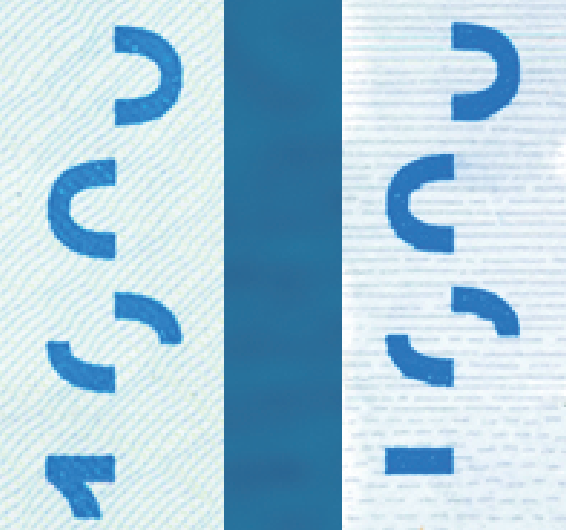
2 See Through
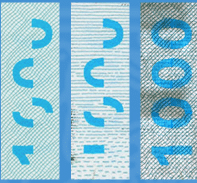
Hold the banknote up to the light, and you can see the numeral "1000" will appear complete. The image should be clear and fit perfectly.
3 Security Threads
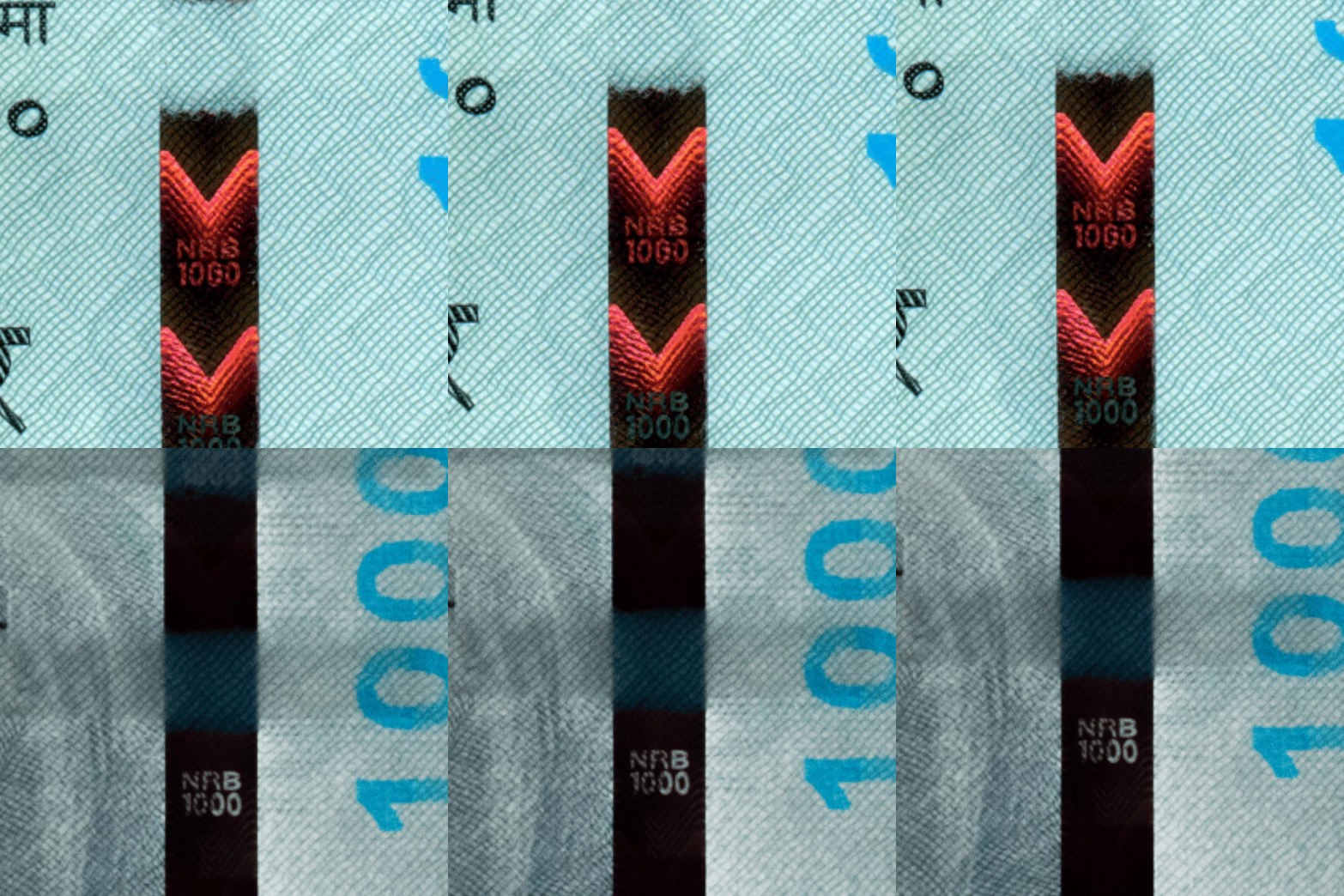
Hold the banknote up to the light, and you can see the text "NRB" , numeral "1000".
Feel
4 Raised Inks
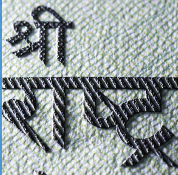
Run your fingers over the banknote and feel the areas where the ink is thicker.
5 Braille
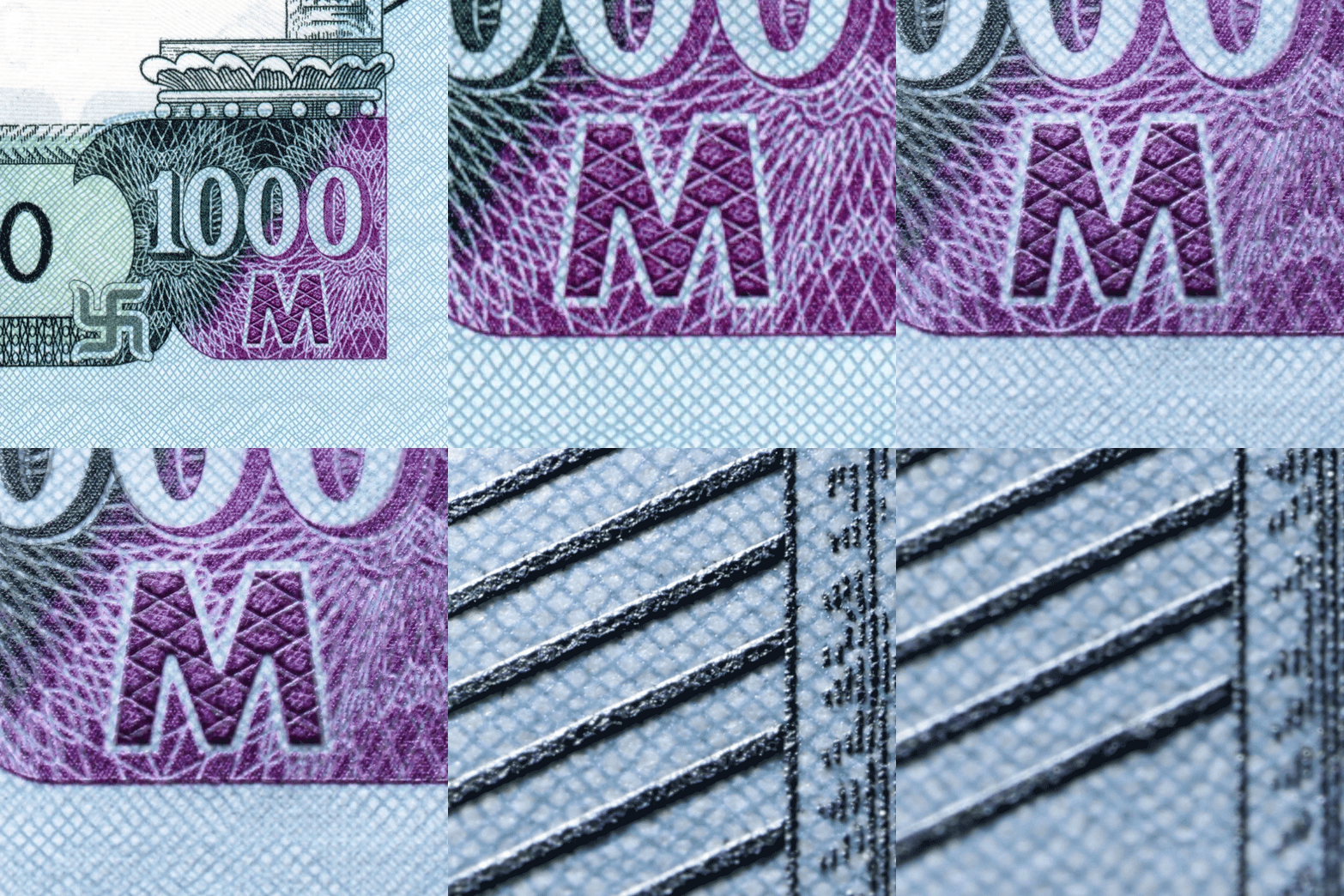
Feature for the visually impaired: Run your fingers over the banknote and feel the raised letter "M" and 10 angular Intaglio Lines.
Tilt
6 Security Thread
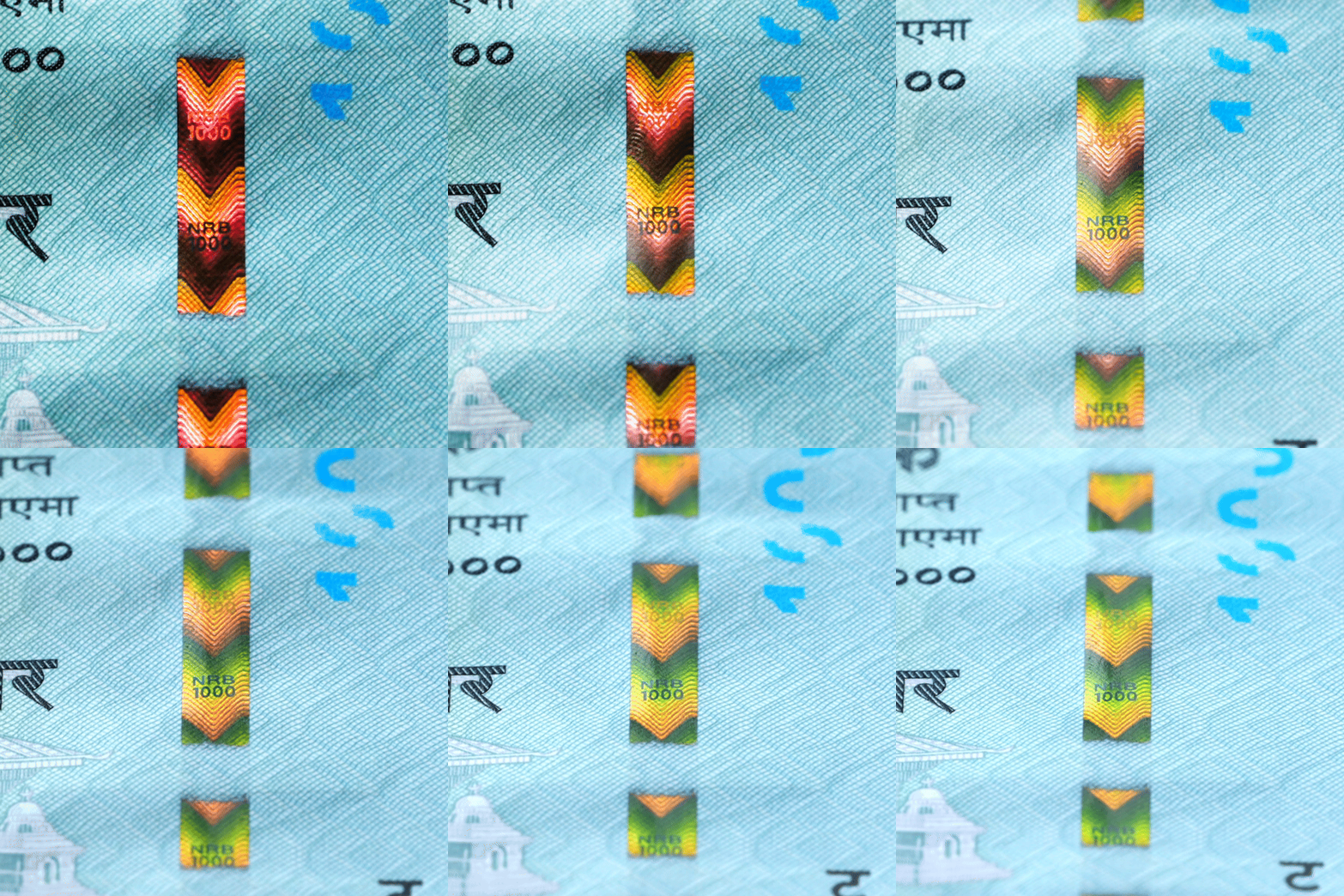
When you tilt the banknote from top to bottom, the color of the thread changes from red to green. And an arrow graphic exhibits a dynamic up-and-down scrolling effect.
7 Ovi Ink
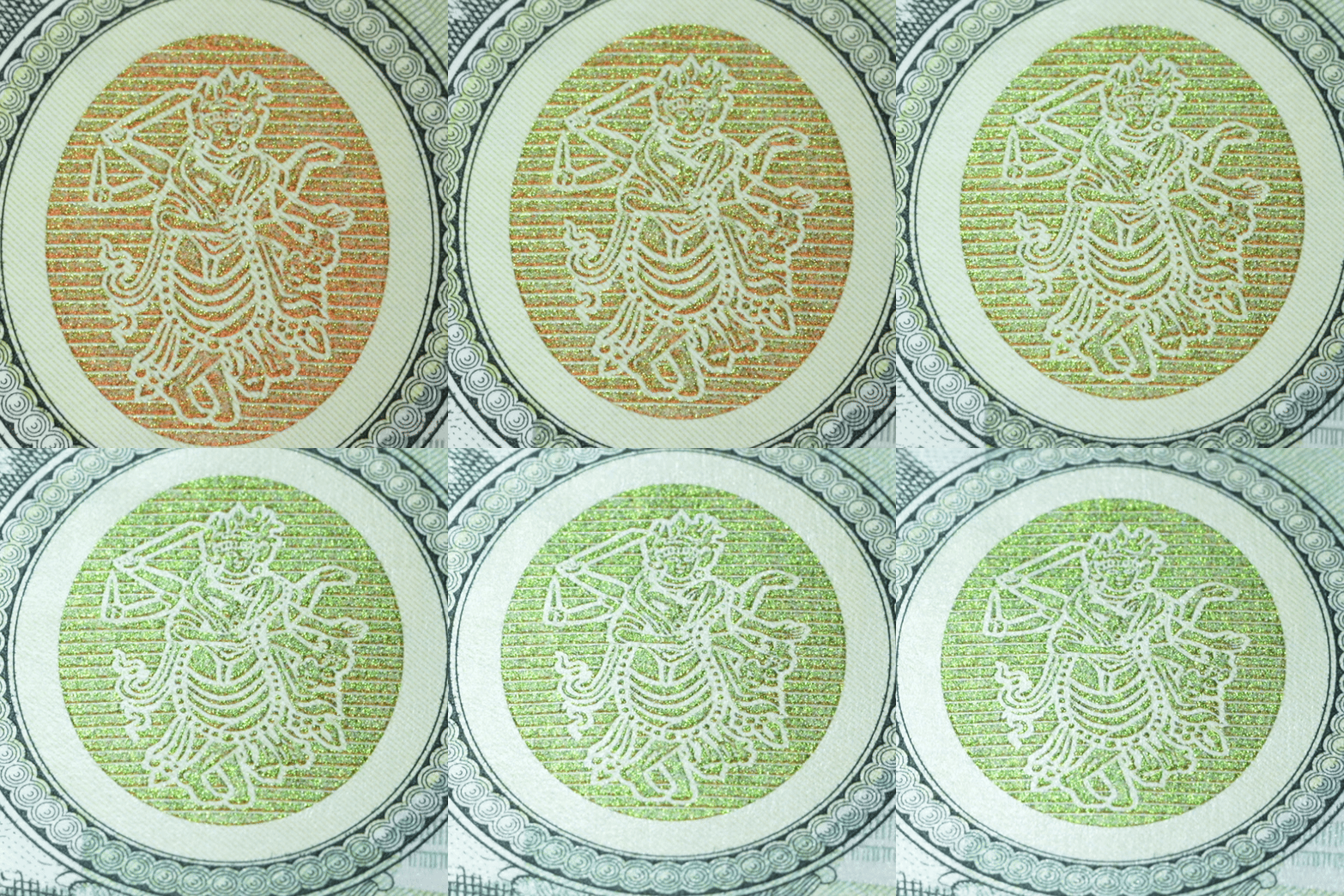
When you tilt the banknote, the color of the ink changes from gold to green.
8 Iridescent Ink
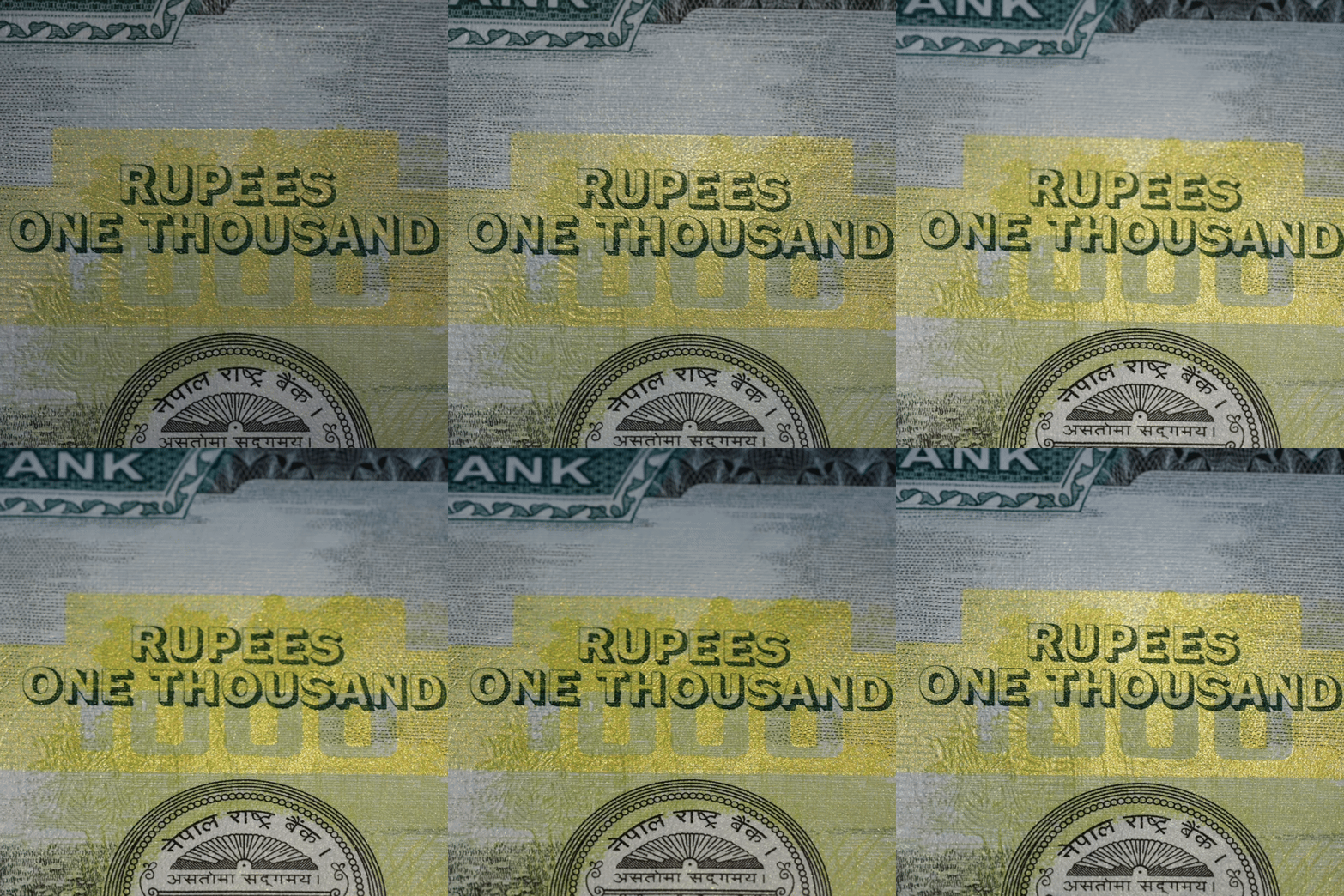
When you tilt the banknote, the iridescent effect in this area is more obvious.
Check
9 Fluorescent Features
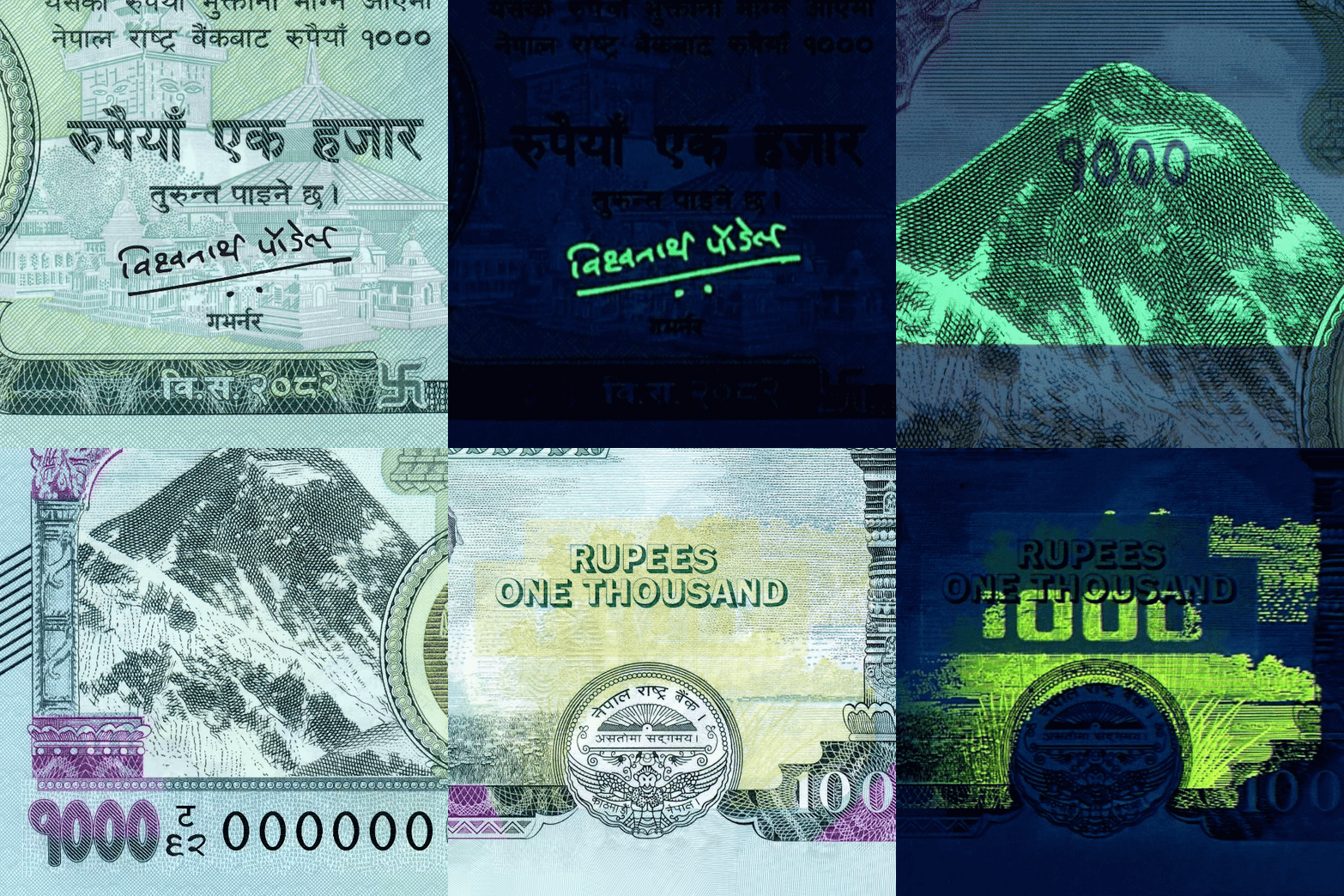
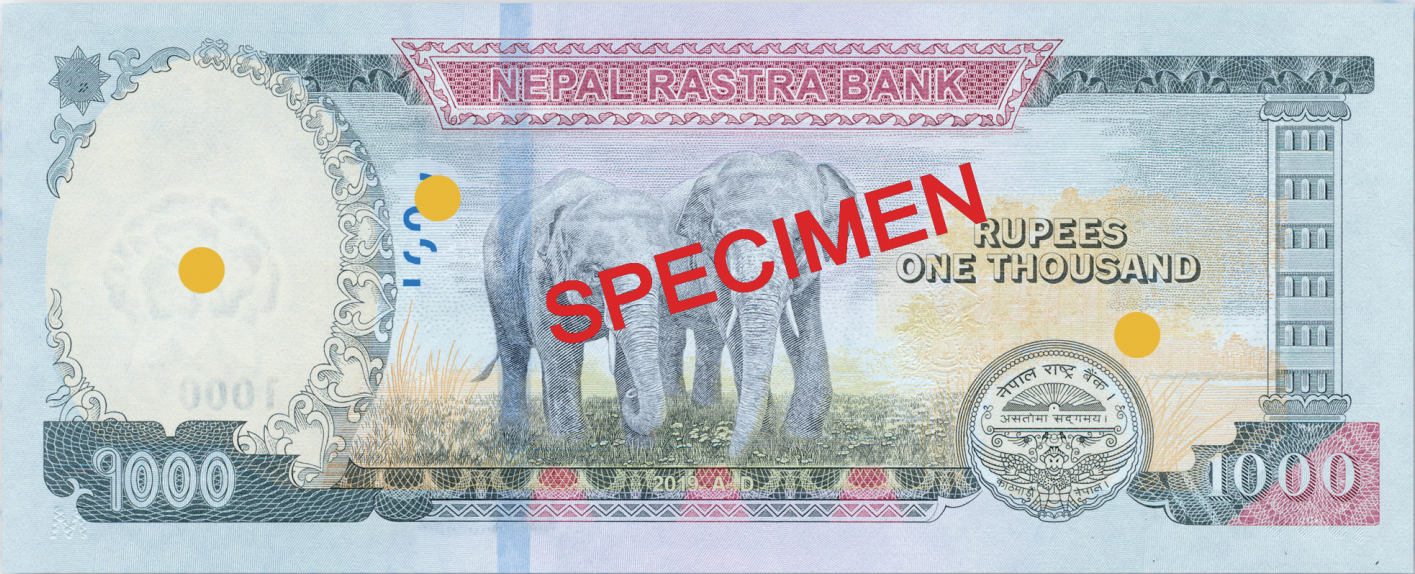
Hold the banknote up to an ultraviolet light, and you can see the revealed fluorescent effects: on the front, Mount Everest, the "1 000" denomination, serial numbers, and the Governor's signature; on the back, the shrubbery on both sides Of the elephant.
10 Micro Text
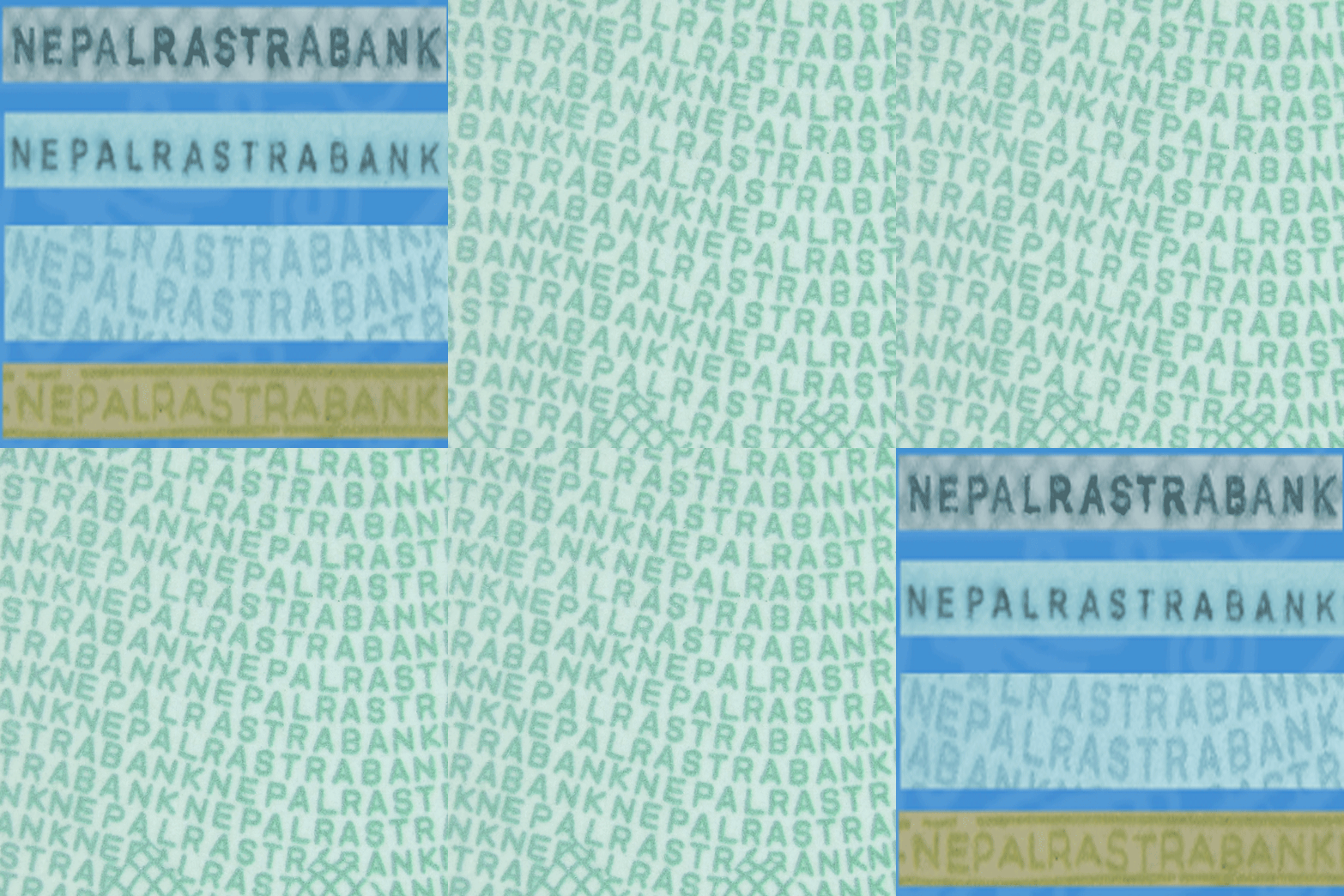
Some areas on the note appear to be ordinary fine lines, but under a magnifying glass, the microtext "NEPAL RASTRA BANK" becomes clearly visible.
11 Anti-Copy/Anti-Scan Pattern
An image is composed of parallel and multidirectional lines. The pattern parameters impede reproduction Of the image by copying equipment, causing Moiré patterns or a darker output.
-
Watermark
- Hold the banknote up to the light, and you can see the watermark of Rhododendron and "1000" electrotype watermark.
-
See Through
- Hold the banknote up to the light, and you can see the numeral "1000" will appear complete. The image should be clear and fit perfectly.
-
Security Threads
- Hold the banknote up to the light, and you can see the text "NRB" , numeral "1000".
-
Raised Inks
- Run your fingers over the banknote and feel the areas where the ink is thicker.
-
Braille
- Feature for the visually impaired: Run your fingers over the banknote and feel the raised letter "M" and 10 angular Intaglio Lines.
-
Security Thread
- When you tilt the banknote from top to bottom, the color of the thread changes from red to green. And an arrow graphic exhibits a dynamic up-and-down scrolling effect.
-
Ovi Ink
- When you tilt the banknote, the color of the ink changes from gold to green.
-
Iridescent Ink
- When you tilt the banknote, the iridescent effect in this area is more obvious.
-
Fluorescent Features
- Hold the banknote up to an ultraviolet light, and you can see the revealed fluorescent effects: on the front, Mount Everest, the "1 000" denomination, serial numbers, and the Governor's signature; on the back, the shrubbery on both sides Of the elephant.
-
Micro Text
- Some areas on the note appear to be ordinary fine lines, but under a magnifying glass, the microtext "NEPAL RASTRA BANK" becomes clearly visible.
-
Anti-Copy/Anti-Scan Pattern
- An image is composed of parallel and multidirectional lines. The pattern parameters impede reproduction Of the image by copying equipment, causing Moiré patterns or a darker output.
Look
1 Watermark
नोटलाई उज्यालो प्रकाश तर्फ राखेर हेर्दा अथवा नोटको पछाडिबाट लाईट(टर्च लाइट/मोबाइलको लाइट) को माध्यमबाट नोटको उक्त स्थानमा प्रकाश प्रसारण हुँदा लालीगुँरासको आकृति स्पष्ट देखिन्छ ।
2 See Through Register
Hold the banknote up to the light, you can see the number "1000". The image should be very clear and perfectly fit
3 Security Thread
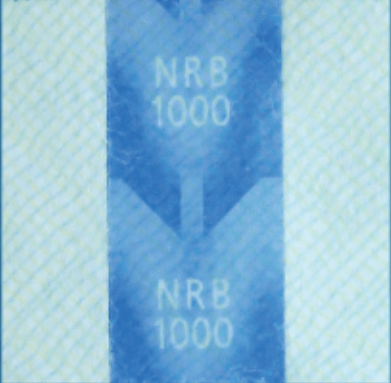
When you tilt the banknote, you can see the letters "NRB" and the number "1000"
Feel
4 Raised Inks
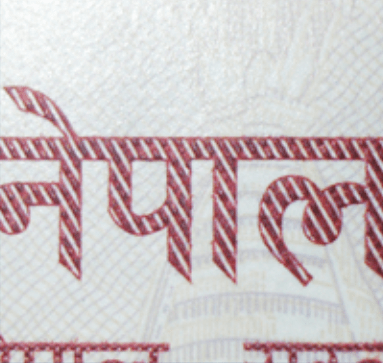
Run your fingers over the banknote and feel the areas where the ink is thicker
5 Braille
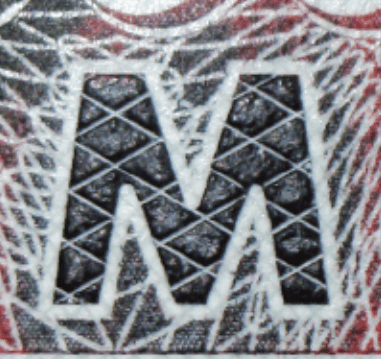
Feature for the Impaired, Touch the raised "M" with your fingers.
6 Emboss
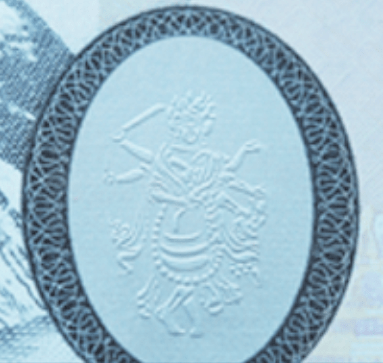
Feel the raised surface with your fingers
Tilt
7 Security Thread
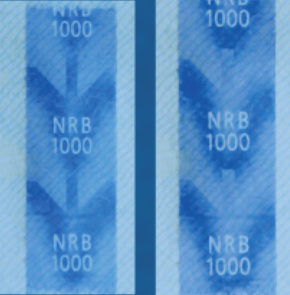
When you tilt the banknote from top to bottom, the Security Thread shows dynamic effect.
8 Emboss
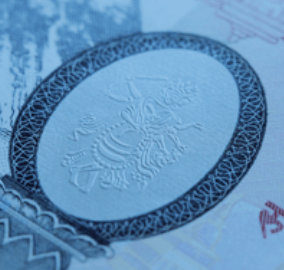
When you tilt the banknote, the embossed area can show the Metallic silver.
9 Iridescent Ink
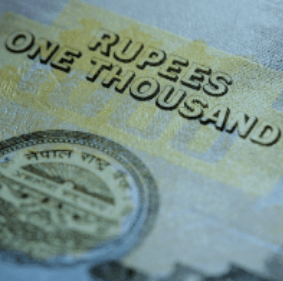
When you tilt the banknote, the iridescent effect in this area is more obvious.
-
Watermark
- नोटलाई उज्यालो प्रकाश तर्फ राखेर हेर्दा अथवा नोटको पछाडिबाट लाईट(टर्च लाइट/मोबाइलको लाइट) को माध्यमबाट नोटको उक्त स्थानमा प्रकाश प्रसारण हुँदा लालीगुँरासको आकृति स्पष्ट देखिन्छ ।
-
See Through Register
- Hold the banknote up to the light, you can see the number "1000". The image should be very clear and perfectly fit
-
Security Thread
- When you tilt the banknote, you can see the letters "NRB" and the number "1000"
-
Raised Inks
- Run your fingers over the banknote and feel the areas where the ink is thicker
-
Braille
- Feature for the Impaired, Touch the raised "M" with your fingers.
-
Emboss
- Feel the raised surface with your fingers
-
Security Thread
- When you tilt the banknote from top to bottom, the Security Thread shows dynamic effect.
-
Emboss
- When you tilt the banknote, the embossed area can show the Metallic silver.
-
Iridescent Ink
- When you tilt the banknote, the iridescent effect in this area is more obvious.
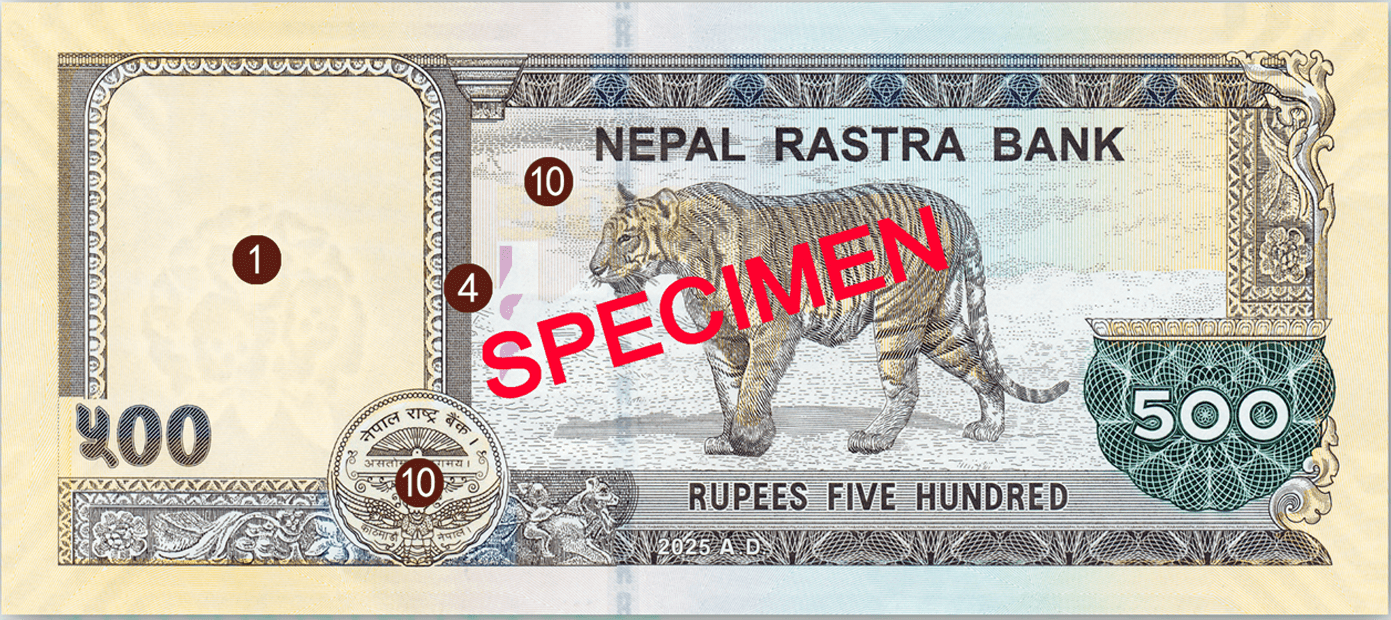
Look
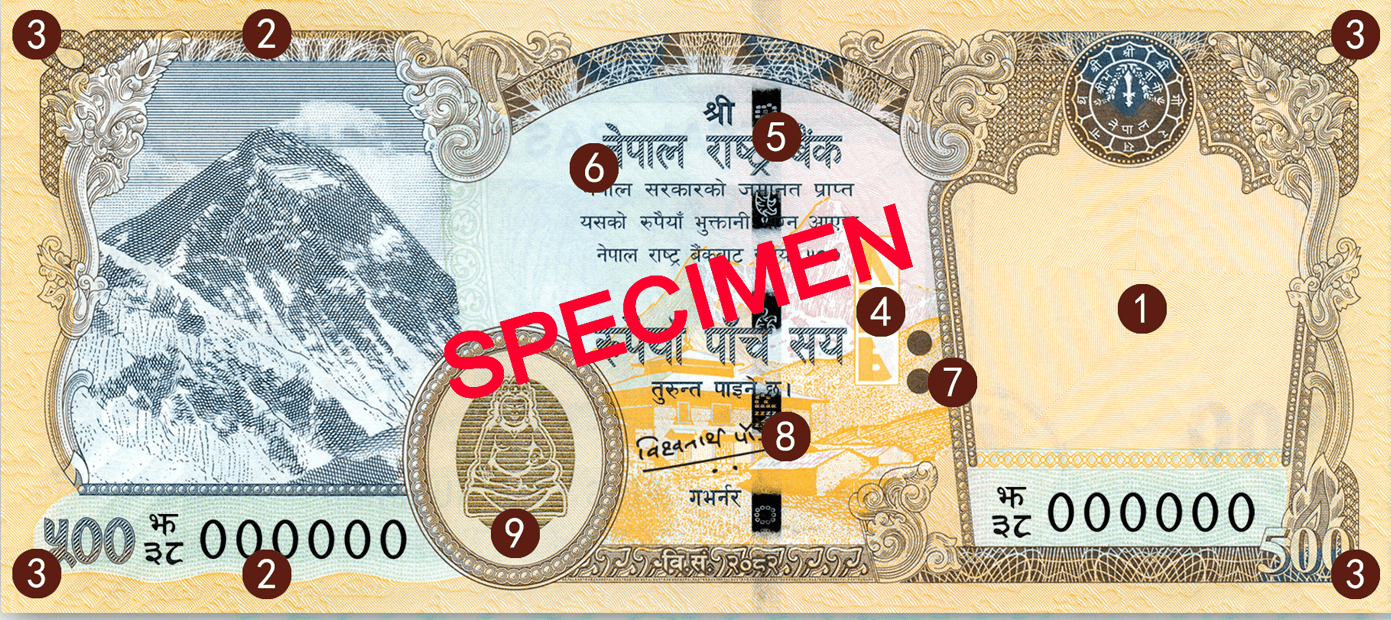
1 Watermark
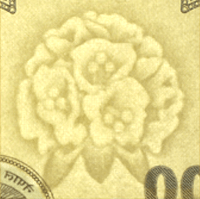
Hold the banknote up to the light, you can see the watermark of Rhododendron.
2 Watermark
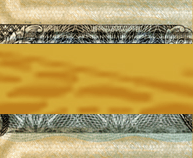
Hold the banknote up to the light, you can see the watermark of Edge stone.
3 Watermark
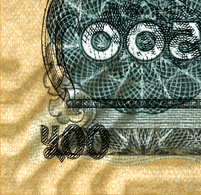
Hold the banknote up to the light, you can see the watermark of Corner Stone.
4 See-Through
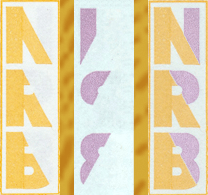
Hold the banknote up to the light, you can see the initials "NRB" will appear complete. The image should be clear and fit perfectly.
5 Security Thread
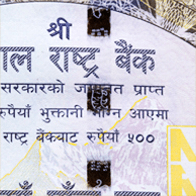
Hold the banknote up to the light and you will see the text "NRB" , the numeral "500" and the image "tiger" . The thread appears as a solid line.
Feel
6 Raised Inks
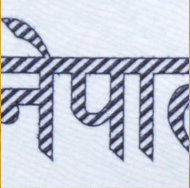
Run your fingers over the banknote and feel the areas where the ink is thicker.
7 Braille
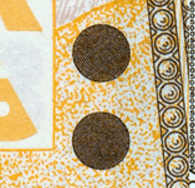
Feature for the visually impaired, run your fingers over the banknote and feel the raised dots.
Tilt
8 Security Thread
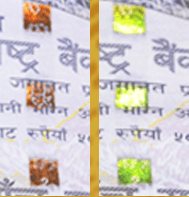
When you tilt the banknote from top to bottom, the color of the thread changes from red to green.
9 OVI Ink
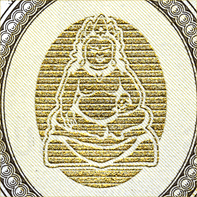
When you tilt the banknote, the color of the ink changes from gold to green.
10 Iridescent Ink
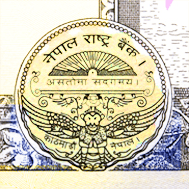
INK When you tilt the banknote, the iridescent effect in this area is more obvious.
-
Watermark
- Hold the banknote up to the light, you can see the watermark of Rhododendron.
-
Watermark
- Hold the banknote up to the light, you can see the watermark of Edge stone.
-
Watermark
- Hold the banknote up to the light, you can see the watermark of Corner Stone.
-
See-Through
- Hold the banknote up to the light, you can see the initials "NRB" will appear complete. The image should be clear and fit perfectly.
-
Security Thread
- Hold the banknote up to the light and you will see the text "NRB" , the numeral "500" and the image "tiger" . The thread appears as a solid line.
-
Raised Inks
- Run your fingers over the banknote and feel the areas where the ink is thicker.
-
Braille
- Feature for the visually impaired, run your fingers over the banknote and feel the raised dots.
-
Security Thread
- When you tilt the banknote from top to bottom, the color of the thread changes from red to green.
-
OVI Ink
- When you tilt the banknote, the color of the ink changes from gold to green.
-
Iridescent Ink
- INK When you tilt the banknote, the iridescent effect in this area is more obvious.
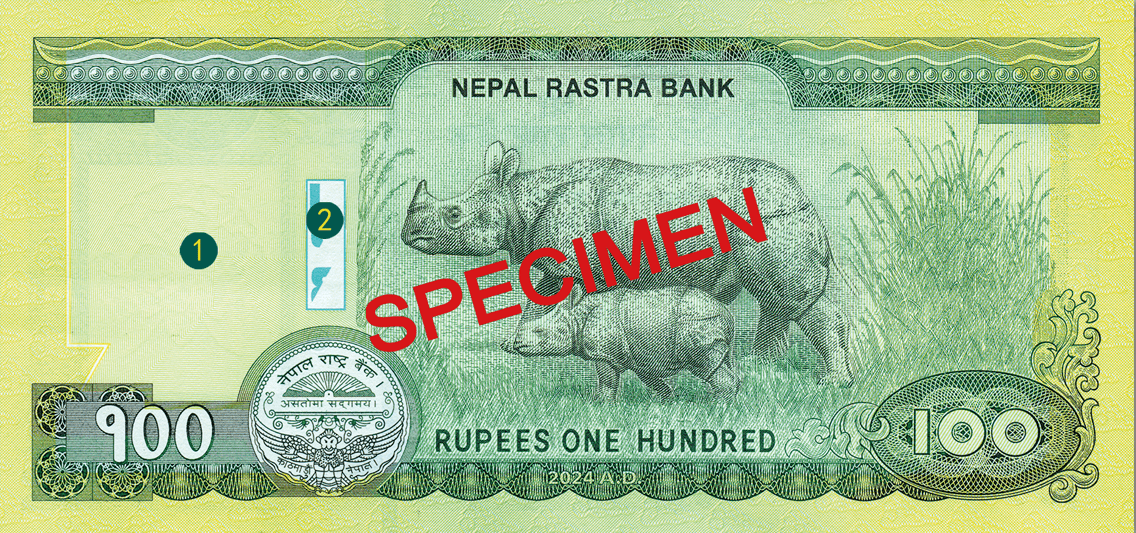
Look
1 Watermark
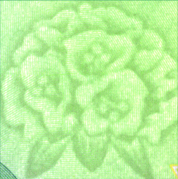
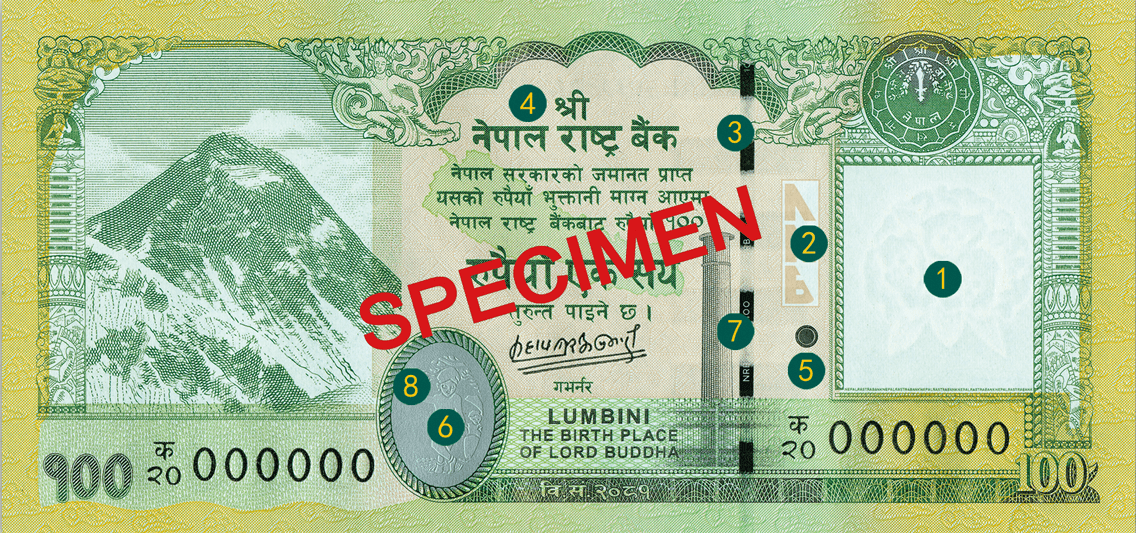
Hold the banknote up to the light, you can see the watermark of Rhododendron.
2 See-Through
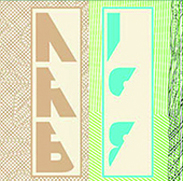
Hold the banknote up to the light and the initials NRB will appear complete. The image should be clear and fit perfectly.
3 Security Thread
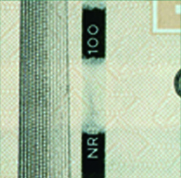
Hold the banknote up to the light and you will see the text and numerals “NRB” and “100”. The thread will appear as a solid line.
Feel
4 Raised ink
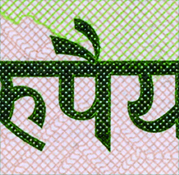
Run your fingers over the banknote and feel the areas where the ink is thicker.
5 Visually impaired feature
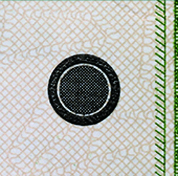
Feature for the Visually Impaired. Run your fingers over the raised dot.
6 Emboss
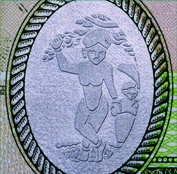
Run your fingers across the feature and feel the raised surface.
Tilt
7 Security Thread
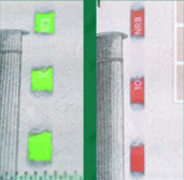
When you tilt the banknote from top to bottom, the thread will change colour from red to green.
8 Emboss
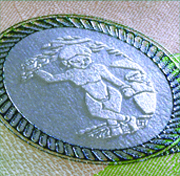
When you tilt the banknote, the embossed area will appear metallic silver.
-
Watermark
- Hold the banknote up to the light, you can see the watermark of Rhododendron.
-
See-Through
- Hold the banknote up to the light and the initials NRB will appear complete. The image should be clear and fit perfectly.
-
Security Thread
- Hold the banknote up to the light and you will see the text and numerals “NRB” and “100”. The thread will appear as a solid line.
-
Raised ink
- Run your fingers over the banknote and feel the areas where the ink is thicker.
-
Visually impaired feature
- Feature for the Visually Impaired. Run your fingers over the raised dot.
-
Emboss
- Run your fingers across the feature and feel the raised surface.
-
Security Thread
- When you tilt the banknote from top to bottom, the thread will change colour from red to green.
-
Emboss
- When you tilt the banknote, the embossed area will appear metallic silver.